Question
How to login via SSO?
Answer
- Go to the login page of KanbanBOX.
- Insert your email and click on Next: if your email supports SSO, KanbanBOX will automatically detect it and will prompt you to log in via SSO.
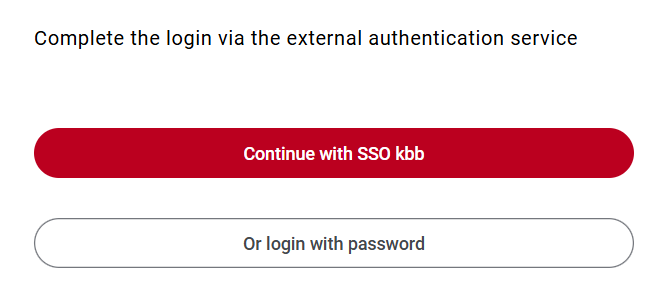
- Click on Continue with SSO, if you want to log in via SSO.
If you wish to log in with your password, click on Or login with password
For example, in the image below, KanbanBOX recognizes that the user can authenticate via SSO because it is associated with the "kbb" domain. By clicking on Continue with SSO kbb, the user will be redirected to the external authentication service to proceed with the login.
Comments
0 comments
Please sign in to leave a comment.