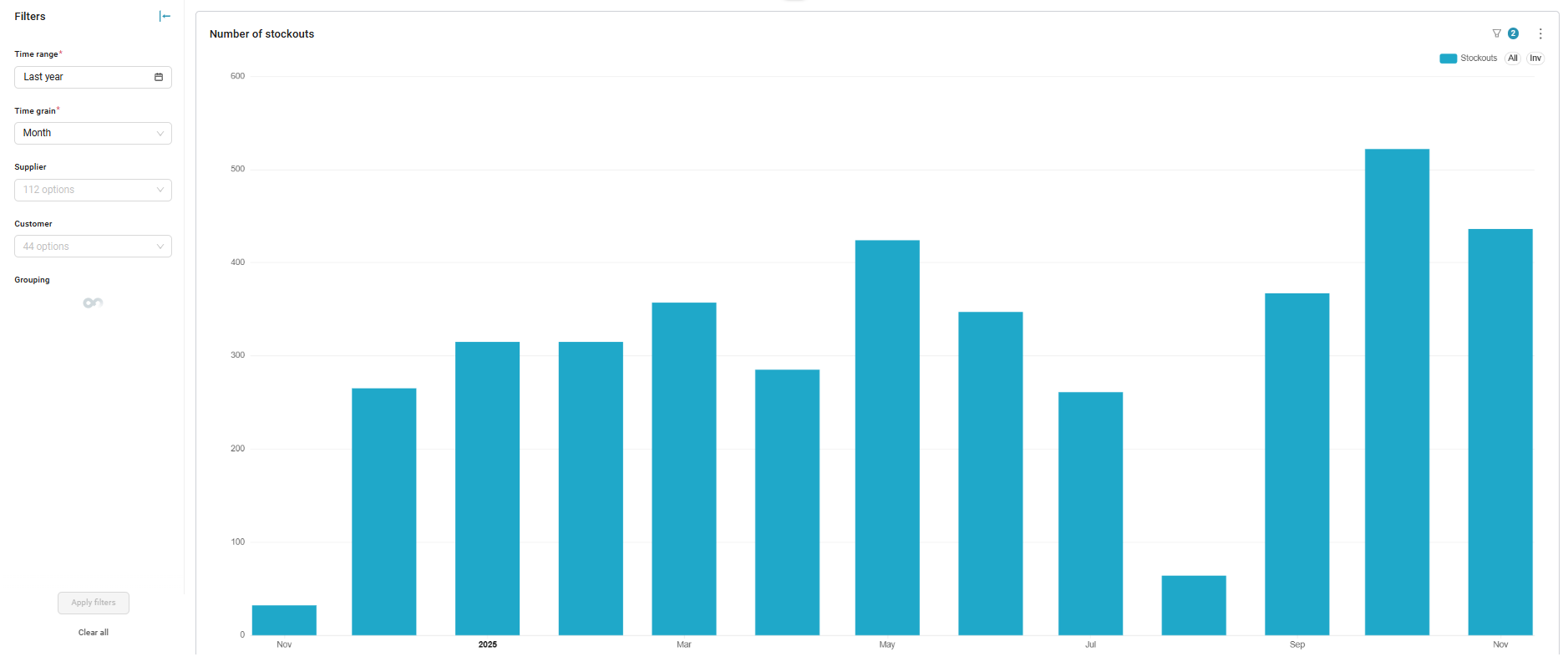
This dashboard shows all stockouts that occurred during a certain period of time.
KanbanBOX considers a kanban loop to be in stockout when none of its cards are in "Full" status.
The dashboard includes one section:
- Number of stockouts: indicates the number of stockouts that occurred during the defined period of time. The data is aggregated based on the "time grain" filter, which allows viewing the delivered value for each month, week, or day.
For more information about the dashboard filters, see the article Introduction to Kanban BI.
Comments
0 comments
Please sign in to leave a comment.